In summary:
- Prolonged gaming causes a temporary “focus lock” (accommodative spasm) making distant objects blurry.
- Specific screen settings and strategic, game-aligned breaks are more effective than generic rules.
- The real danger isn’t just screen time, but the combination of close viewing distances, dark rooms, and uninterrupted sessions.
- Not all blue light is bad; the key is managing the harmful blue-violet spectrum, especially before bed.
- Persistent headaches or fatigue could signal an underlying vision problem, like latent hyperopia, that a simple school screening will miss.
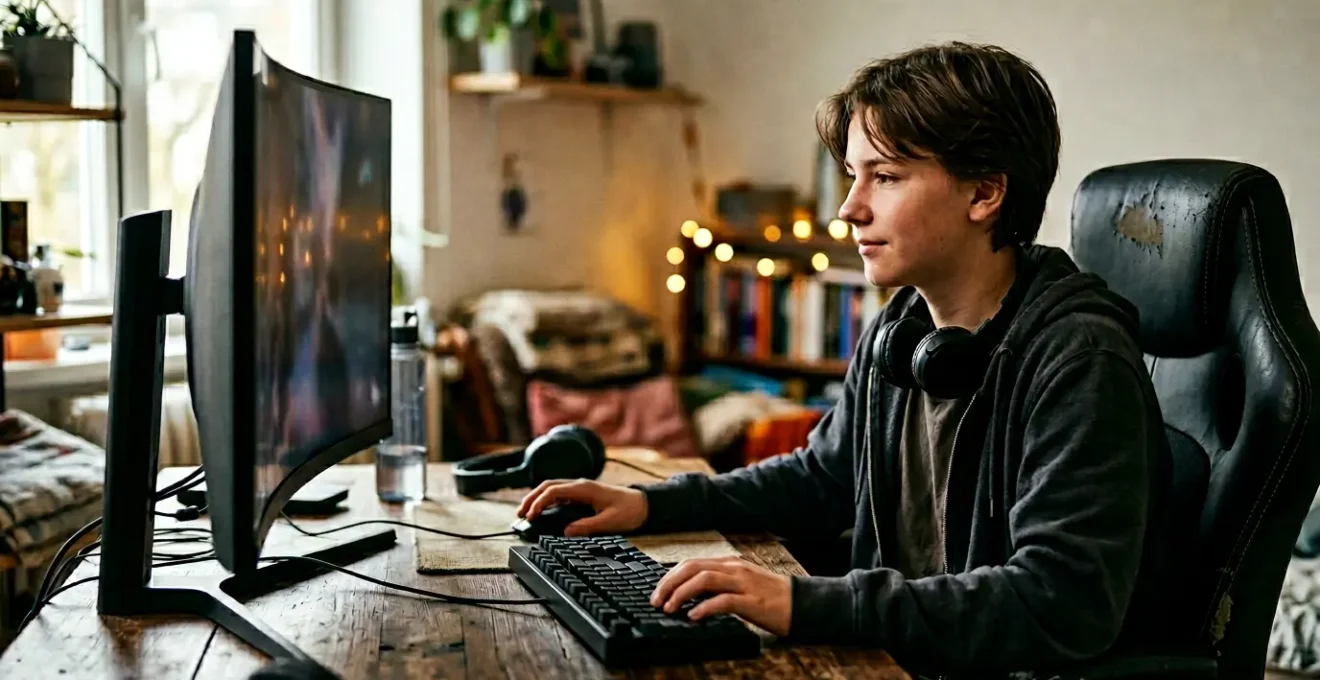
The sound of frantic clicking and triumphant shouts from your teen’s room is a familiar backdrop. You’re glad they have a passion, but the sight of them glued to the screen for hours on end sparks a nagging worry. You see the red-rimmed eyes and the slight squint when they finally emerge, and you wonder: is this marathon gaming session causing permanent damage to their vision?
You’ve probably tried the usual advice: “Take a break!” or “Don’t sit so close!”—often met with an eye-roll or a mumbled “in a minute” that never comes. The common wisdom about screen time feels inadequate, a set of flimsy rules against the powerful pull of a digital world. You sense there’s more to it than just a simple list of dos and don’ts, but the “why” remains elusive, making it hard to enforce any real change.
But what if the key wasn’t just enforcing rules, but understanding the specific physiological battles their eyes are fighting? The real problem isn’t just “looking at a screen”; it’s a series of intense, sustained physical challenges for the visual system. This guide moves beyond the platitudes. We will dissect the science behind gaming-induced eye strain, from the muscular spasms that blur vision to the retinal stress caused by poor lighting. By understanding the mechanics of the problem, you’ll be equipped not just with rules, but with targeted, non-negotiable countermeasures to truly protect your teenager’s long-term eye health.
This article will walk you through the precise mechanisms of eye strain and provide concrete, science-backed strategies. You’ll learn how to optimize their gaming environment, implement breaks that actually work with their gameplay, and know when it’s time to seek professional help for issues a simple screening might miss. Let’s dive into the specifics.
Contents: Gaming and Eye Strain: A Parent’s Guide to Teen Vision Protection
- Why Can’t Your Teen Focus on Distant Objects After Gaming?
- How to Adjust Contrast and Brightness to Reduce Eye Fatigue?
- Switch or Big Screen: Which Device Causes More Myopic Stress?
- The “Gaming in the Dark” Habit That Destroys Contrast Sensitivity
- When to Force a Break: The “Match End” Rule for Healthy Eyes?
- Why Is Blue-Turquoise Light Good for You While Blue-Violet Is Bad?
- School Screening or Clinic Exam: Which One Catches Subtle Long-Sightedness?
- Blue Light Glasses: Essential Protection or Just a Marketing Gimmick?
Why Can’t Your Teen Focus on Distant Objects After Gaming?
Have you ever noticed that after a long gaming session, your teen squints or complains that things in the distance look blurry? This isn’t just their imagination; it’s a real physiological phenomenon known as an accommodative spasm, or “pseudomyopia.” Inside the eye, a tiny muscle called the ciliary muscle contracts to focus on near objects, like a gaming screen. When it’s held in this contracted state for hours, it struggles to relax afterward, effectively locking the eye’s focus in a near-sighted state. It’s like a fist that’s been clenched for so long it has trouble opening up again.
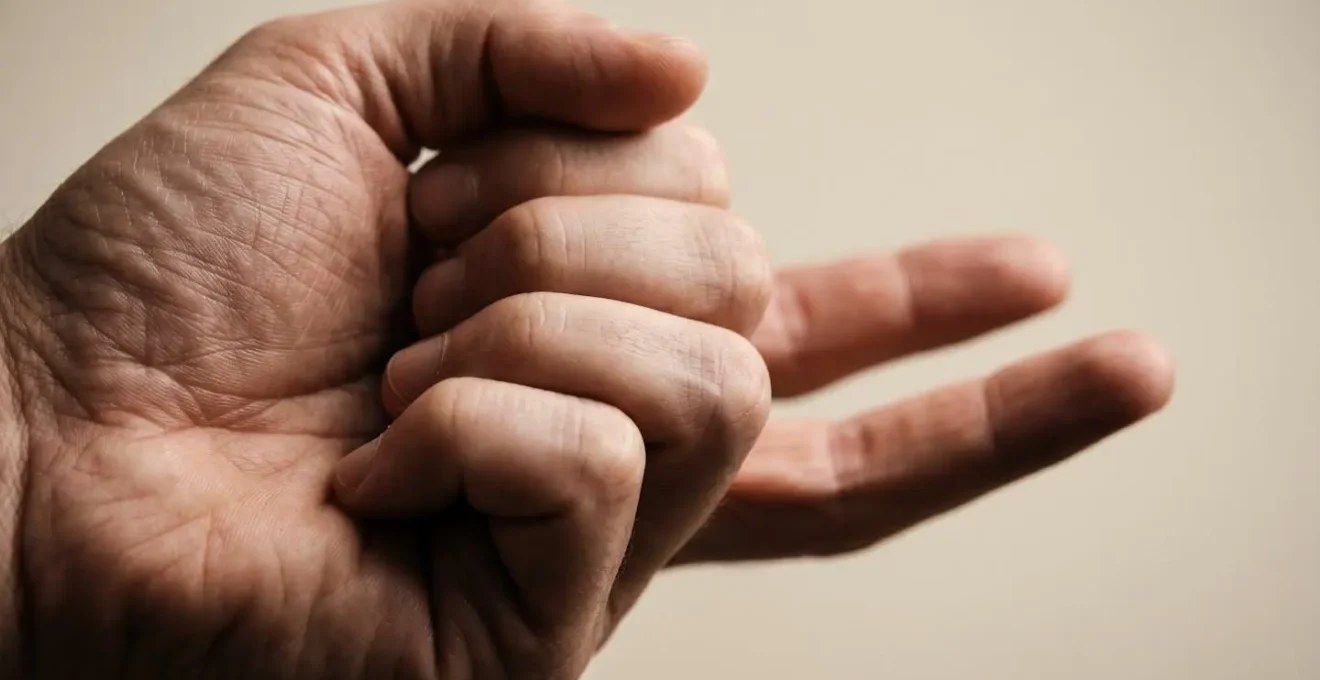
As the National Center for Biotechnology Information explains, an accommodative spasm is a prolonged contraction of this ciliary muscle, which can lead to “varying degrees of pseudomyopia.” The lens essentially gets stuck. This effect is compounded by a dramatic change in blinking. During intense concentration, the blink rate can plummet. Research confirms the impact: a study found that after 4 hours of continuous gaming, blink rate dropped from over 16 to just 8 times per minute. Fewer blinks mean a drier, more irritated eye surface, which further contributes to blurry vision and discomfort. This isn’t just “tired eyes”; it’s a specific muscular and surface-level breakdown caused by sustained, uninterrupted focus.
Understanding this muscular lock-up is the first step. It transforms the vague complaint of “blurry vision” into a concrete problem: a muscle that needs to be strategically relaxed. All subsequent advice, from taking breaks to viewing distance, is designed to combat this specific issue.
How to Adjust Contrast and Brightness to Reduce Eye Fatigue?
Telling a teen to “lower the brightness” is often ineffective because it lacks specific, measurable guidance. The goal isn’t just to make the screen dimmer; it’s to match the screen’s luminance to the ambient light in the room. When the screen is significantly brighter than its surroundings, it acts like a light bulb, forcing the iris to constrict and causing glare and fatigue. Conversely, a screen that’s too dim forces the eye to strain to see details. The key is environmental balance, not just an arbitrary setting.
Achieving this balance reduces the constant work your teen’s eyes have to do, directly lowering the cognitive and muscular load that leads to headaches and fatigue. It’s about creating a visually harmonious environment where the screen blends into the room rather than fighting against it. The following checklist provides a systematic way to audit and optimize their gaming station for visual comfort and health.
Your Action Plan: The Screen Environment Audit
- Perform the Paper Test: Open a blank white document on the screen. Hold a physical sheet of white paper next to it. If the screen illuminates the paper, it’s too bright. If the paper looks dull and grey in comparison, the screen is too dark. Adjust brightness until they match.
- Balance Ambient Light: Ensure the desk area is well-lit, aiming for an optimal illumination of around 500 lux. This prevents the high contrast between a bright screen and a dark room that strains the eyes.
- Disable “Visual Noise” in Games: In the game’s graphics settings, turn off effects like Motion Blur, Film Grain, and Chromatic Aberration. These post-processing effects are designed to look cinematic but add significant visual processing load, contributing to cognitive fatigue.
- Customize Color Temperature: Instead of relying on default “Night Light” modes which can drastically alter colors, use software like f.lux or the OS’s native feature to create a custom profile. A subtle shift toward warmer tones (e.g., 5500K instead of 6500K) for evening sessions can reduce blue light exposure without ruining the game’s color palette.
- Verify the Brightness Level: For most indoor environments, a screen brightness set between 200-300 nits is ideal. This is bright enough for clarity but not so bright that it creates overpowering glare.
By treating screen setup as a technical calibration rather than a vague suggestion, you can transform the gaming environment from a source of strain into one that supports visual endurance.
Switch or Big Screen: Which Device Causes More Myopic Stress?
It’s a common debate among parents: is it better for a teen to game on a large TV screen from across the room or on a small handheld device like a Nintendo Switch up close? Intuitively, the big screen seems safer. However, the science of eye strain reveals the critical factor isn’t the size of the screen, but the viewing distance. The eye’s ciliary muscle has to work exponentially harder to focus on objects held very close to the face, regardless of screen size. This sustained, high-demand effort is a primary driver of myopic stress and progression.
The problem is that handheld devices encourage dangerously close viewing habits. Research published on the specialist site Myopia Profile highlights that children hold smart devices at an average distance of just 24 cm, far closer than the 40-50 cm typical for adults. Any viewing distance under 25 cm is strongly associated with an increased risk of myopia development. A big screen, by its very nature, forces a greater viewing distance, which automatically reduces the accommodative (focusing) demand on the eyes.
A fascinating clinical study underscored this principle by exploring virtual distance. When participants viewed content on a device that was physically close but used optics to create a virtual image 5 meters away, the accommodative burden on their eyes was reduced by an incredible 91.3%. This proves that it’s the perceived distance of focus, not the physical location of the screen, that matters most. Therefore, a large TV viewed from several feet away places far less myopic stress on a teen’s eyes than a handheld console held just inches from their face.
The non-negotiable rule for parents should therefore be less about the device itself and more about enforcing a minimum viewing distance—at least an arm’s length for any screen—to keep accommodative demand at a healthy, sustainable level.
The “Gaming in the Dark” Habit That Destroys Contrast Sensitivity
Gaming in a pitch-black room is a common habit, often done to enhance immersion or avoid disturbing others. However, from an ophthalmological perspective, it’s one of the most damaging things a person can do to their visual system. The problem lies in the extreme contrast between the bright, flashing screen and the dark surroundings. This forces the iris and pupil to work overtime in a constant, stressful cycle of dilation and contraction as the gamer’s eyes dart between the screen and the dark room. As one expert on Tom’s Hardware forums noted, “This constant push-pull on the iris muscles leads directly to fatigue and headaches.”
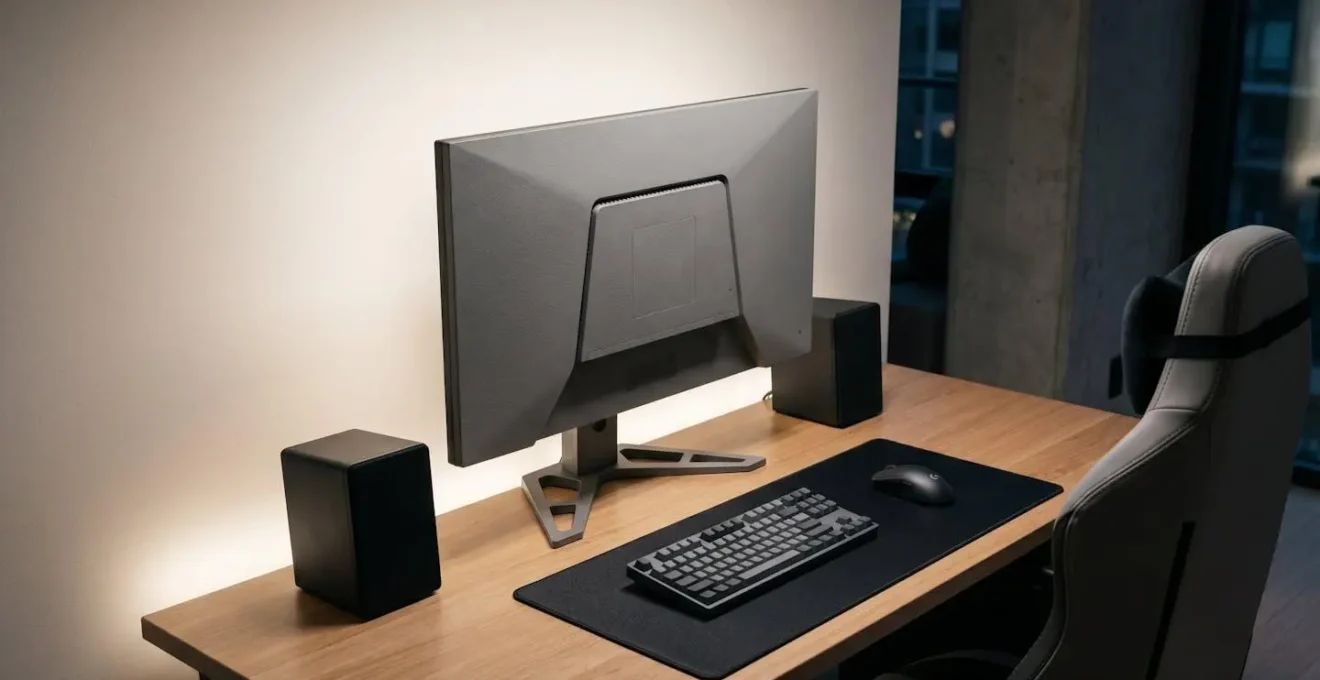
This isn’t just about temporary fatigue. This harsh contrast reduces the eye’s contrast sensitivity—the ability to distinguish between subtle shades of light and dark. It makes it harder to see details in low light and can lead to a feeling of washed-out vision. This is compounded by the fact that high brightness intensity is directly linked to eye strain. Indeed, a 2024 study in the Shiraz E-Medical Journal found a significant correlation between screen brightness intensity and visual fatigue. The solution isn’t to play with the lights on full blast, which can create glare on the screen. The ideal setup is using bias lighting.
Bias lighting involves placing a soft, neutral light source (like an LED strip) on the wall behind the monitor. This raises the average ambient light in the room, which provides a gentle reference point for the eyes and dramatically reduces the strain on the iris. It softens the harsh contrast between the screen and the wall, allowing the pupils to remain in a more stable, relaxed state. This simple, inexpensive addition to a gaming setup is a powerful tool for preserving long-term contrast sensitivity and preventing the headaches and fatigue associated with gaming in the dark.
By explaining this mechanism to your teen, you can reframe the “lights on” rule from a parental annoyance to a strategic performance enhancement that reduces fatigue and improves visual comfort.
When to Force a Break: The “Match End” Rule for Healthy Eyes?
The most common piece of eye-health advice is the “20-20-20 rule”: every 20 minutes, look at something 20 feet away for 20 seconds. While scientifically sound, it’s profoundly impractical for a competitive gamer. A match in a game like *Valorant* or *League of Legends* can last 30-45 minutes, and asking a teen to pause mid-game is a recipe for conflict. The reality is, as the American Optometric Association’s Gamer Survey found, gamers can play for up to three hours straight, and most take a break of less than 15 minutes, if they take one at all.
A more effective strategy is to work *with* the natural rhythm of the game, not against it. This requires a shift in mindset from forcing arbitrary interruptions to planning strategic visual resets. Parents and teens can collaborate to turn eye health into part of the gaming strategy itself. Instead of a fight, it becomes a shared goal. This involves understanding the structure of their favorite games and identifying the built-in pauses that can be leveraged for eye care, such as the end of a match, a quest completion, or time spent in a pre-game lobby.
Here is a tiered break system that respects the flow of gameplay:
- Micro-Breaks (Every 20 Minutes or Less): These are not full stops. Encourage your teen to use natural lulls in the action—loading screens, respawn timers, or lobby queues—to practice the 20-20-20 rule. These frequent, short resets are crucial for relaxing the ciliary muscle.
- Macro-Breaks (Every 45-60 Minutes): Align these with a significant gameplay conclusion, like the end of a match or a chapter. This is the time for a 5-10 minute break to stand up, stretch, get a drink of water, and completely look away from all screens.
- Gamify the Habit: Help your teen set a phone alarm labeled “Vision Power-Up” or “Eye Health Buff” for every hour. This transfers ownership from parental nagging to self-management, making them feel in control of their own well-being.
- Maintain Your Distance: Reinforce the rule of maintaining a minimum distance of 20 inches from large screens and 13 inches from handheld devices to keep accommodative demand low.
By framing breaks as a way to maintain peak performance and reduce fatigue, you can turn a point of contention into a collaborative health strategy.
Why Is Blue-Turquoise Light Good for You While Blue-Violet Is Bad?
The term “blue light” is often thrown around as a monolithic evil, but the reality is far more nuanced. The visible light spectrum contains different shades of blue, and they have vastly different biological effects. The key is to distinguish between harmful blue-violet light and beneficial blue-turquoise light. This distinction is critical for making informed decisions about screen settings and protective eyewear, rather than simply trying to block all blue light, which can be counterproductive.
Problems arise because modern LED screens emit large amounts of high-energy visible (HEV) light, primarily in the blue-violet range. As research published by the NCBI confirms, this type of light can interfere with sleep because blue light emission suppresses the production of melatonin, the hormone that regulates our sleep-wake cycle. However, blue light in the turquoise part of the spectrum is essential during the day. It’s what tells our brain it’s daytime, helping to regulate our circadian rhythm, boost alertness, and improve mood.
The goal, therefore, isn’t to eliminate blue light, but to manage it intelligently. This means allowing healthy exposure to blue-turquoise light during the day while filtering the potentially stressful blue-violet light, especially in the hours leading up to bedtime. The following table breaks down these differences:
| Characteristic | Blue-Turquoise Light (465-495 nm) | Blue-Violet Light (415-455 nm) |
|---|---|---|
| Primary Function | Regulates circadian rhythm via intrinsically photosensitive Retinal Ganglion Cells (ipRGCs) | High-energy visible (HEV) light with potential for retinal stress |
| Daytime Effect | Promotes alertness, mood regulation, cognitive performance | Minimal beneficial effect, primarily energy exposure |
| Evening/Night Effect | Suppresses melatonin production (disrupts sleep if exposed before bed) | Suppresses melatonin production + potential oxidative stress |
| Long-term Concern | Sleep disruption if blocked during day or overexposed at night | Potential oxidative stress on retinal cells, theoretical contribution to macular degeneration |
| Recommendation | Allow exposure during daytime for healthy circadian function; reduce 1-2 hours before sleep | Filter moderately during daytime screen use; block more aggressively before bedtime |
Armed with this knowledge, you can move past the simple “blue light is bad” myth and adopt a more sophisticated strategy focused on filtering the right kind of light at the right time of day.
School Screening or Clinic Exam: Which One Catches Subtle Long-Sightedness?
When a teen complains of frequent headaches, eye strain, and fatigue after gaming, it’s easy to blame it all on “too much screen time.” While digital eye strain is a real factor, these symptoms can also mask an underlying—and often undiagnosed—vision problem: latent hyperopia (long-sightedness). A teen with even a mild case of hyperopia must exert constant muscular effort from their ciliary muscle just to keep the screen in clear focus. This sustained strain is exhausting and is frequently the true root cause of their discomfort.
A teen with undiagnosed hyperopia must exert constant, significant muscular effort just to keep the screen clear. This leads to severe headaches, eye strain, and fatigue that is often misattributed simply to ‘too much screen time’ when an uncorrected vision problem is the root cause.
– Texas Children’s Hospital, Accommodative Spasm Patient Education
The major problem is that a standard school vision screening is unlikely to catch latent hyperopia. These screenings typically test distance vision (e.g., reading a chart across the room), and a young person’s strong ciliary muscles can easily compensate for the hyperopia, allowing them to pass the test. The screening doesn’t measure the hidden strain required to achieve that clear vision. To accurately diagnose this condition, a comprehensive clinical eye exam is necessary, specifically one that includes a cycloplegic refraction.
Case Study: How a Clinical Exam Uncovers Hidden Strain
A study on heavy smartphone users highlighted the diagnostic gap. Participants experiencing severe eye strain symptoms underwent two types of refraction tests. The standard test showed normal vision. However, after using cycloplegic eye drops to temporarily paralyze the focusing ciliary muscle, a second test revealed significant levels of hidden hyperopia. As a report in Review of Optometry explains, this demonstrates that without relaxing the focusing muscle, the true refractive error remains masked, leading to a misdiagnosis of simple eye strain when a corrective lens is what’s truly needed.
Therefore, if your teen suffers from chronic headaches, fatigue, or an aversion to reading despite having “passed” a school vision test, insist on a comprehensive exam with an optometrist. It may uncover the real problem that has been hiding in plain sight.
Key takeaways
- Understanding the eye’s physical mechanisms, like ciliary muscle spasm, is more effective than just enforcing generic rules.
- A healthy gaming environment relies on balancing screen brightness with ambient room light, not just dimming the display.
- Strategic breaks aligned with game rhythms (e.g., end of a match) are more likely to be adopted than arbitrary interruptions.
Blue Light Glasses: Essential Protection or Just a Marketing Gimmick?
The market for blue light filtering glasses has exploded, with many products promising to eliminate eye strain and protect vision. But are they a necessary piece of equipment for every gamer or just a clever marketing gimmick? The answer, according to current science, is complex. They are not a magic bullet, but they can be a useful tool when chosen correctly and used as part of a broader eye health strategy. The effectiveness of a pair of glasses depends entirely on what specific wavelengths of light they filter.
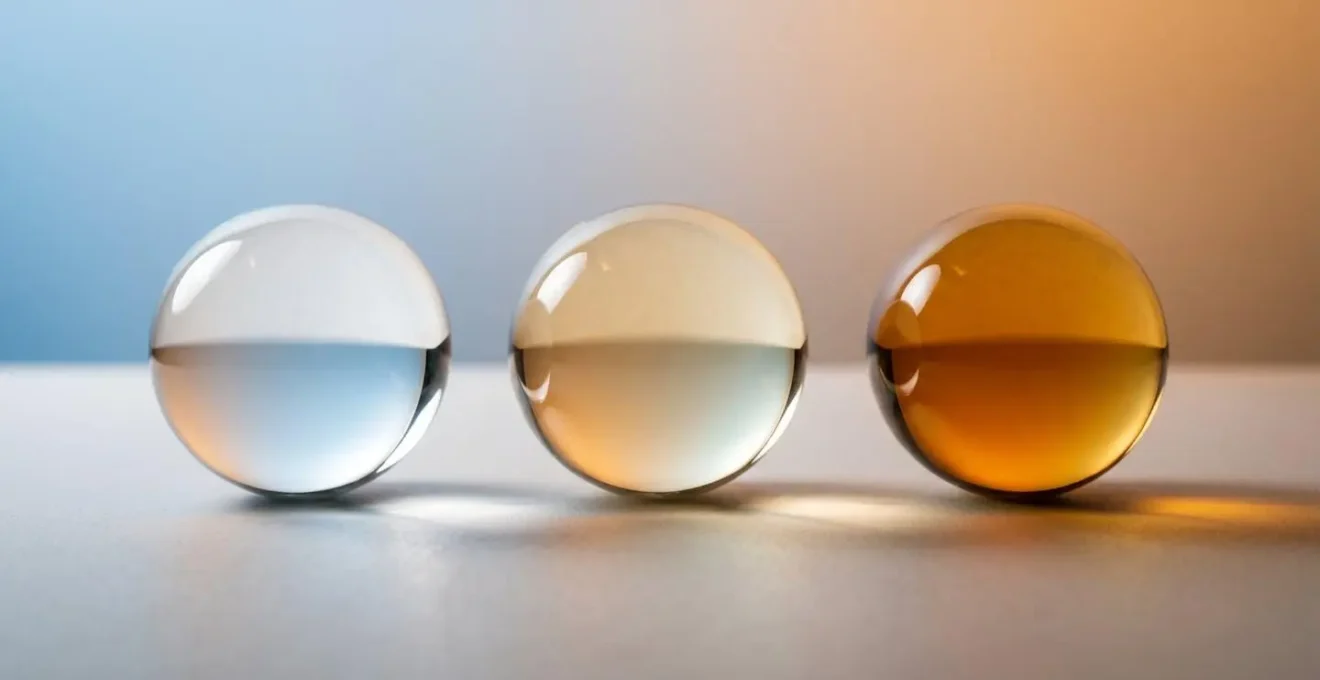
Current scientific evidence presents a mixed picture. While there is no definitive proof that blue light from digital screens causes permanent retinal damage in humans, its role in digital eye strain and sleep disruption is well-documented. The primary benefit of blue light glasses is not necessarily preventing eye disease, but rather improving visual comfort and protecting the sleep cycle. A clear or lightly-tinted “computer lens” may filter some of the harshest blue-violet light, reducing glare and improving contrast, which can lessen fatigue during long sessions. A more heavily-tinted amber or red “sleep lens” is designed to block a much wider spectrum of blue light (including the beneficial blue-turquoise) and is intended for use only in the 1-2 hours before bed to prevent melatonin suppression.
The verdict is that blue light glasses are not a substitute for good habits. They will not undo the damage of poor lighting, incorrect viewing distances, or a lack of breaks. However, a quality pair of glasses that targets the specific blue-violet spectrum can be a valuable supplementary tool to reduce symptoms of digital eye strain. For evening gaming, a stronger filter can be particularly effective at mitigating the light’s impact on sleep. Think of them as one component in your arsenal, not the entire solution.
Ultimately, protecting your teen’s vision requires a holistic approach. By combining smart environmental controls, strategic breaks, and a potential role for the right kind of filtering lenses, you can create a sustainable framework for healthy gaming that supports both their passion and their long-term well-being. The next logical step is to schedule a comprehensive eye exam to establish a baseline and rule out any underlying issues.